
この記事は約 3 分で読めます
The venue changed after you made the event banner. Editing one line of text would be easier than generating the whole thing again. On November 23, Canva made Canva MCP generally available and removed its developer waitlist. It is a way for AI assistants and external apps to connect to Canva’s design tools. Canva’s announcement
Let AI draft it, then finish it yourself
The connection can generate editable designs, remove backgrounds, resize graphics, and export the results. Canva’s Magic Layers can also turn a flat image into elements you can edit separately. Some supported assistants let you adjust assets and layout without leaving the conversation. Canva’s editing update
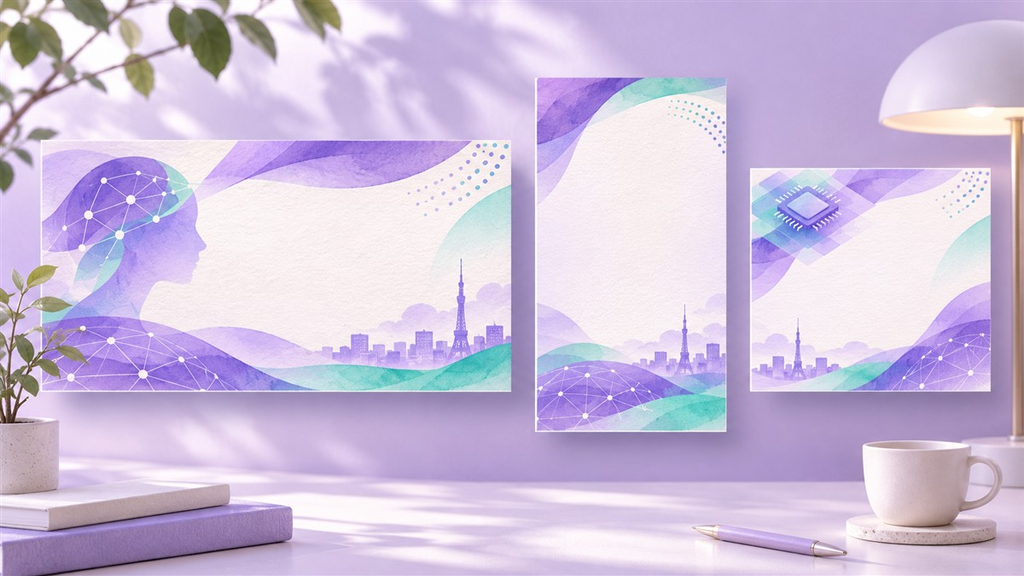
An events team could start with a short brief, a date, a venue and a photo. Make a square announcement first, correct the text and picture, then adapt it for a vertical story. Teams that make similar graphics week after week may spend less time rebuilding the same layout.
Start with one static design
General availability does not make every feature free. In-chat video generation has market and paid-plan restrictions, for example. A single graphic is an easier first test: see how long it takes to edit and export, then check the date, logo and image rights before publishing. Canva’s video FAQ
この記事を書いた人Wrote this article